Agent Introduction
This document introduces the usage and development process of the Agent class.
1. Agent Usage
The Agent class serves as a higher-level interface for Qwen-Agent, where an Agent object integrates the interfaces for tool calls and LLM (Large Language Model). The Agent receives a list of messages as input and produces a generator that yields a list of messages, effectively providing a stream of output messages.
Different Agent classes have various workflows. In the agents directory, we provide several different fundamental Agent subclasses. For instance, the ArticleAgent returns a message that includes an article; the BasicDocQA returns a message that contains the results of a document Q&A Results.
These types of Agents have relatively fixed response patterns and are suited for fairly specific use cases.
1.1. Assistant Class
We offer a generic Agent class: the Assistant class, which, when directly instantiated, can handle the majority of Single-Agent tasks. Features:
- It supports role-playing;
- It provides automatic planning and tool calls abilities;
- RAG (Retrieval-Augmented Generation): It accepts documents input, and can use an integrated RAG strategy to parse the documents.
For example, in the following scenario, we instantiate a assistant Agent by specifying the LLM, a list of tools, and the role instruction. Then we can interact with the Agent.
From the responses, we can see that after the user requests ‘a cute cat’, the Agent, in keeping with the role-play instruction, automatically plans and executes the necessary tools for drawing the cat, downloading it and flipping it.
import os
from qwen_agent.agents import Assistant
llm_cfg = {'model': 'qwen-max'}
tools = ['image_gen', 'amap_weather'] # image_gen and code_interpreter is a built-in tool in Qwen-Agent
system = 'According to the user\'s request, you first draw a picture and then automatically run code to download the picture ' + \
'and select an image operation from the given document to process the image'
bot = Assistant(llm=llm_cfg,
system_message=system,
function_list=tools,
files=[os.path.abspath('doc.pdf')])
messages = [{'role': 'user', 'content': 'a cute cat'}]
for response in bot.run(messages=messages):
print('bot response:', response)
"""Running results:
[
{'role': 'assistant', 'content': '', 'function_call': {'name': 'my_image_gen', 'arguments': '{"prompt": "a cute cat"}'}},
{'role': 'function', 'content': '{"image_url": "https://image.pollinations.ai/prompt/a%20cute%20cat"}', 'name': 'my_image_gen'},
{'role': 'assistant', 'content': "Here is the image of a cute cat based on your description:\n\n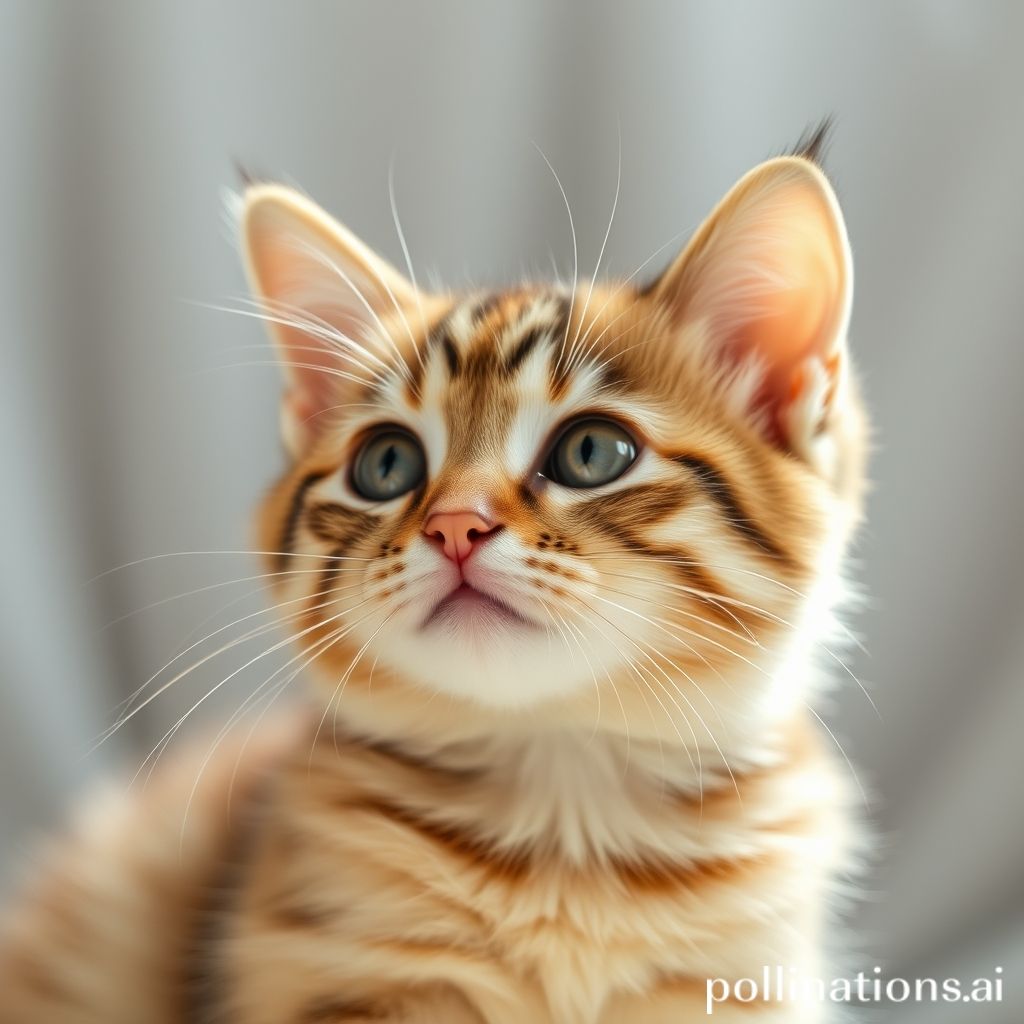\n\nNow, let's proceed with downloading this image and performing an operation such as flipping it."},
{'role': 'assistant', 'content': '', 'function_call': {'name': 'code_interpreter', 'arguments': '```py\nfrom PIL import Image\nimport requests\n\n# Downloading the cute cat image\nurl = "https://image.pollinations.ai/prompt/a%20cute%20cat"\nresponse = requests.get(url)\nwith open("cute_cat.jpg", \'wb\') as file:\n file.write(response.content)\n\n# Flipping the image horizontally\ndef flip_image_horizontally(filename):\n img = Image.open(filename)\n flipped_img = img.transpose(Image.FLIP_LEFT_RIGHT)\n flipped_img.save("flipped_cute_cat.jpg")\n return flipped_img\n\n# Performing the horizontal flip\nflipped_cat = flip_image_horizontally("cute_cat.jpg")\n```'}},
{'role': 'function', 'content': 'Finished execution.', 'name': 'code_interpreter'},
{'role': 'assistant', 'content': 'The image of the cute cat has been downloaded and flipped horizontally. The flipped image has been saved as "flipped_cute_cat.jpg". Since we\'re in a text-based environment, I can\'t display the actual image here, but you can check it out at the location where the script was executed.'}
]
"""In the examples directory, we provide more Single-Agent use cases developed based on the Assistant class.
1.2. GroupChat Class
We also provide a generic Multi-Agent class: the GroupChat class. This class manages a list of Agents and automatically maintains their speech orders. The features of this class include:
- Upon receiving external input, it automatically coordinates the speaking order of the built-in Agents and sequentially returns their responses to the user;
- Human-in-the-loop: The user is also defined as an Agent, and the group chat may request feedback from the user when necessary;
- The user can interrupt the group chat at any time.
In the examples directory, we provide a Gradio Demo for creating and experiencing group chats, where you can further explore the group chat functionality. For development using GroupChat, you can refer to the Gomoku use case.
2. Agent Development
As our Agent class is defined as a workflow for processing messages, we can flexibly develop specific Agent classes.
By examining the Agent base class, it becomes apparent that when we develop an Agent subclass, we only need to implement the function
._run(self, messages: List[Message], lang: str = 'en', **kwargs) -> Iterator[List[Message]],
which receives a list of messages as input and returns an iterator over lists of messages.
During the development process, the functions _call_llm(...) and _call_tool(...) can be used to call LLMs or Tools.
It is also possible to nest other Agents, such as using Assistant.run(...) to directly utilize the Assistant’s tool/LLM planning capabilities.
2.1. Nested Development
For example, in the scenario below, I want to create a custom Agent for visual story telling. This Agent only needs to receive an image URL to automatically generate a composition: In this Agent, I nest an image_agent that uses the Qwen-VL model to help me understand the content of the image, and then I also nest a writing_agent that is responsible for learning writing techniques and helping me compose a piece of writing.
Note: This is just one way to implement an visual story telling Agent; other methods could achieve the same goal, such as using only an image_agent to complete both image comprehension and writing tasks. However, the advantage of nesting multiple Agents to collaborate is that each Agent can use independent prompts, tools, and LLMs to achieve the best result at each stage.
import copy
from typing import Dict, Iterator, List, Optional, Union

from qwen_agent import Agent
from qwen_agent.agents import Assistant
from qwen_agent.llm import BaseChatModel
from qwen_agent.llm.schema import ContentItem, Message
from qwen_agent.tools import BaseTool

class VisualStorytelling(Agent):
    """Customize an agent for writing story from pictures"""

    def __init__(self,
                 function_list: Optional[List[Union[str, Dict,
                                                    BaseTool]]] = None,
                 llm: Optional[Union[Dict, BaseChatModel]] = None):
        super().__init__(llm=llm)

        # Nest one vl assistant for image understanding
        self.image_agent = Assistant(llm={'model': 'qwen-vl-max'})

        # Nest one assistant for article writing
        self.writing_agent = Assistant(
            llm=self.llm,
            function_list=function_list,
            system_message='You are a student, first, you need to understand the content of the picture,' +
            'then you should refer to the knowledge base and write a narrative essay of 800 words based on the picture.',
            files=['https://www.jianshu.com/p/cdf82ff33ef8'])

    def _run(self,
             messages: List[Message],
             lang: str = 'zh',
             max_ref_token: int = 4000,
             **kwargs) -> Iterator[List[Message]]:
        """Define the workflow"""

        assert isinstance(messages[-1]['content'], list) and any([
            item.image for item in messages[-1]['content']
        ]), 'This agent requires input of images'

        # Image understanding
        new_messages = copy.deepcopy(messages)
        new_messages[-1]['content'].append(
            ContentItem(text='Please provide a detailed description of all the details of this image'))
        response = []
        for rsp in self.image_agent.run(new_messages):
            yield response + rsp
        response.extend(rsp)
        new_messages.extend(rsp)

        # Writing article
        new_messages.append(Message('user', 'Start writing your narrative essay based on the above image content!'))
        for rsp in self.writing_agent.run(new_messages,
                                          lang=lang,
                                          max_ref_token=max_ref_token,
                                          **kwargs):
            yield response + rsp
2.2. Non nested development
In this example, we utilize the fundamental _call_llm(...) function to invoke an LLM or Tool.
The workflow implemented by this DocQA involves concatenating the provided reference material into the built-in Prompt as a System Message,
and then calling the LLM to generate the return results.
import copy
from typing import Iterator, List

from qwen_agent import Agent
from qwen_agent.llm.schema import CONTENT, ROLE, SYSTEM, Message

PROMPT_TEMPLATE_ZH = """
请充分理解以下参考资料内容,组织出满足用户提问的条理清晰的回复。
#参考资料:
{ref_doc}

"""

PROMPT_TEMPLATE_EN = """
Please fully understand the content of the following reference materials and organize a clear response that meets the user's questions.
# Reference materials:
{ref_doc}

"""

PROMPT_TEMPLATE = {
    'zh': PROMPT_TEMPLATE_ZH,
    'en': PROMPT_TEMPLATE_EN,
}


class DocQA(Agent):

    def _run(self,
             messages: List[Message],
             knowledge: str = '',
             lang: str = 'en',
             **kwargs) -> Iterator[List[Message]]:
        messages = copy.deepcopy(messages)
        system_prompt = PROMPT_TEMPLATE[lang].format(ref_doc=knowledge)
        if messages and messages[0][ROLE] == SYSTEM:
            messages[0][CONTENT] += system_prompt
        else:
            messages.insert(0, Message(SYSTEM, system_prompt))

        return self._call_llm(messages=messages)
Examples of using the _call_llm(...) and _call_tool(...) functions in combination to call LLMs and Tools can be found by examining the implementation of ReActChat and Assistant.