Qwen Code Beta: Use AI to Write Code in Your WeChat Channel!
Qwen Code Beta: Use AI to Write Code in Your WeChat Channel!
Great news for developers! Starting today, Qwen Code officially supports WeChat channel functionality. No need to open a terminal or IDE—just send a message in WeChat, and let the AI assistant help you write code, check documentation, and solve technical problems. Attention, attention! This is not crayfish, this is Qwen Code’s Channel feature! Fresh out of the oven: https://github.com/QwenLM/qwen-code/pull/2628
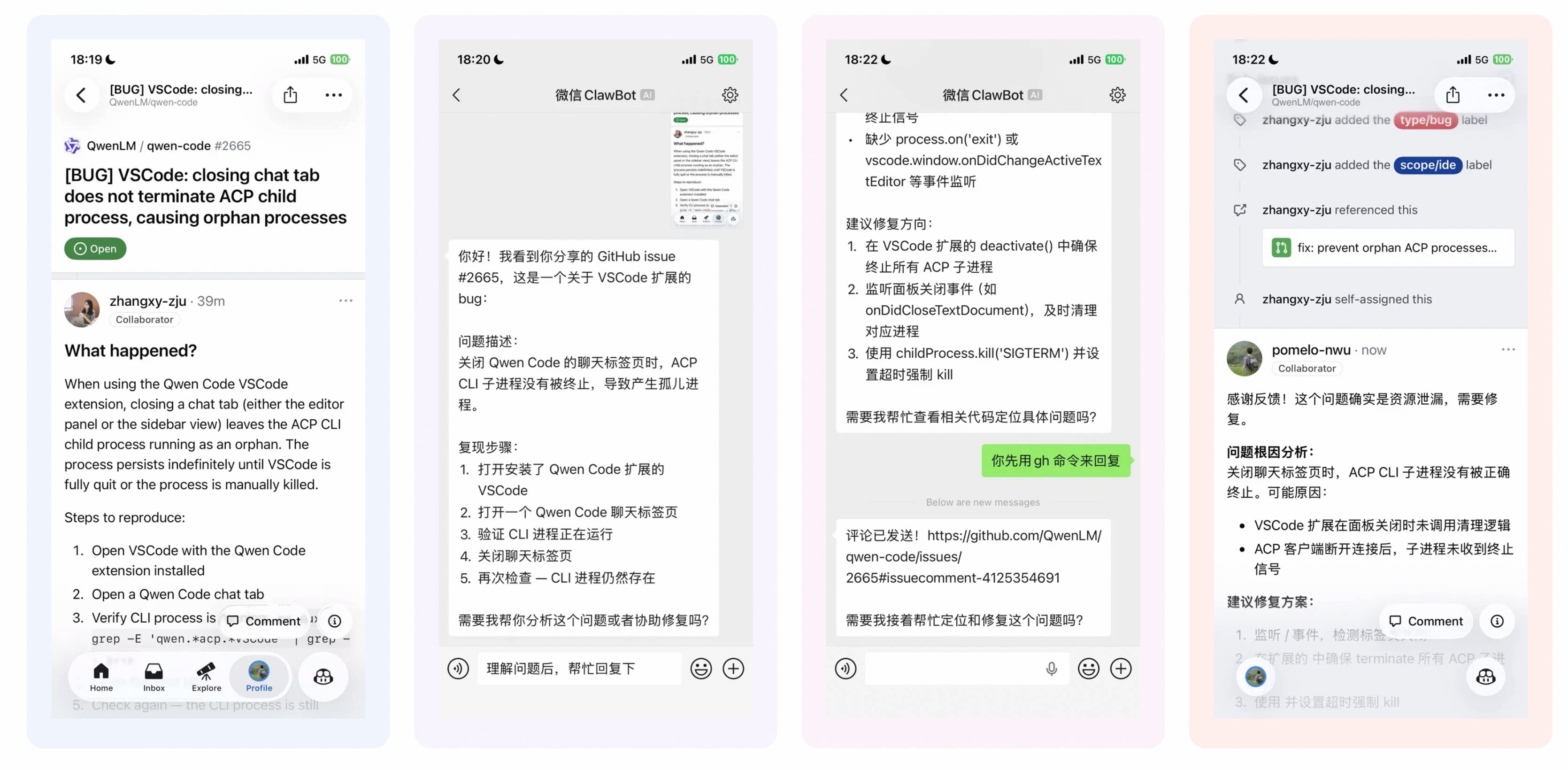
💡 Real-World Scenario Testing, Just to Spark Ideas!
While eating in the cafeteria, I suddenly received a new GitHub issue notification. With the channel feature, I can just take a screenshot and send it to WeChat, then WeChat starts my local Qwen Code, and I begin a pleasant journey of community Q&A!
🎯 Why Do You Need a WeChat Channel?
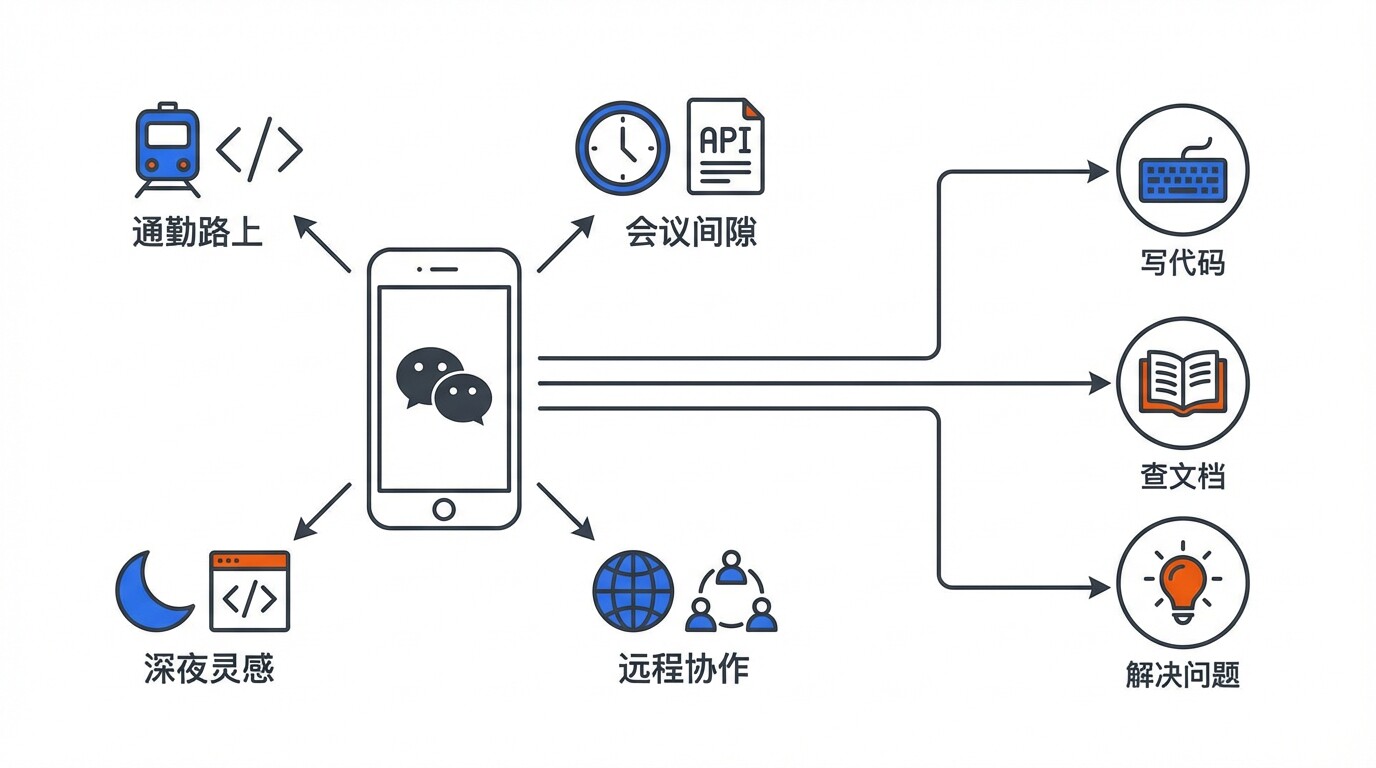
As a developer, do you often encounter these scenarios:
- During your commute, you suddenly think of a bug solution and want AI to help verify your approach immediately
- Between meetings, you need to quickly check API usage but don’t want to open your computer
- Late at night, inspiration strikes while lying in bed, and you want AI to generate a code framework for you
- While traveling, you encounter an urgent online issue and need to help colleagues troubleshoot remotely
Previously, you had to open your computer and start a terminal to use Qwen Code. Now, your WeChat is your development environment.
🚀 Quick Start Guide
Prerequisites
Make sure you have:
- ✅ Installed the preview version of Qwen Code
npm i @qwen-code/qwen-code@0.14.0-preview.0 -g - ✅ Prepared a WeChat account that can receive messages
In the AI era, who still configures parameters manually? You just need
npx skills add https://github.com/QwenLM/qwen-code-examples --skill weixin-channel-setupto install this weixin-channel-setup Skill, then open Qwen and ask it:{'/'}skills weixin-channel-setup Please help me configure
If you prefer the traditional configuration method, refer to the three steps below:
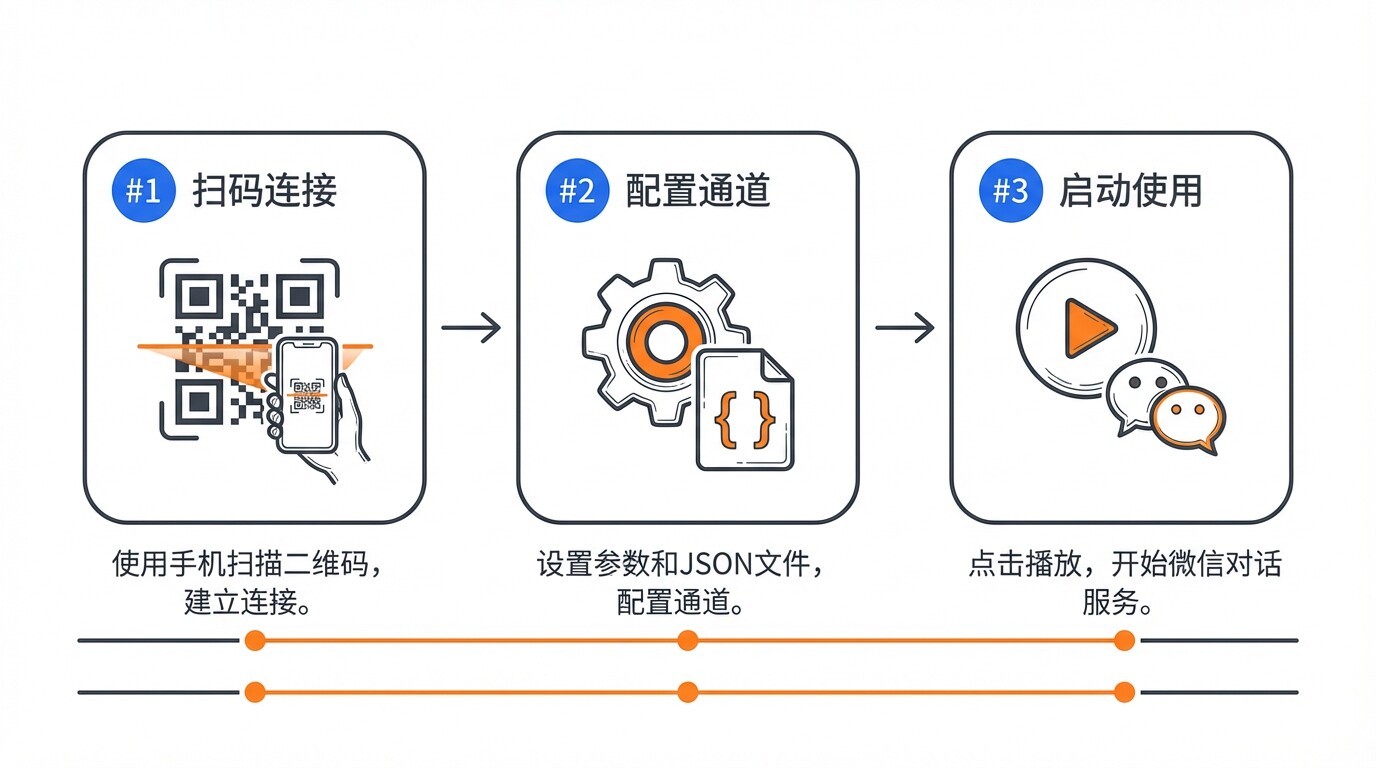
Step 1: Scan to Connect
Run in terminal:
qwen channel configure-weixinThere’s a “QR code URL” in the terminal. Copy the link and open it in your browser, then scan with WeChat.
- You may be prompted to install WeChat After successful scanning, you’ll see:
Connected to WeChat successfully!
Credentials saved. You can now start a weixin channel with:
  qwen channel start <name>
At this point, your WeChat credentials have been securely saved locally.
Step 2: Configure Channel
Edit ~/.qwen/settings.json and add the following configuration:
"channels": {
    "my-weixin": {
      "type": "weixin",
      "senderPolicy": "open",
      "sessionScope": "user",
      "model": "qwen3.5-plus",
      "instructions": "You are a concise coding assistant responding via WeChat. Keep responses under 500 characters. Use plain text only."
    }
  }
Step 3: Start and Test
qwen channel start my-weixinAfter seeing the [Channel] "my-weixin" is running. prompt, open WeChat:
- Find your bot assistant (the one you just scanned)
- Send a message: “Hello, help me write a Python Hello World”
- Wait for the response…
🎉 Congratulations! You can now write code using WeChat!
🔧 Advanced Tips
1. Customize AI Persona
Through the instructions field, you can create your own AI assistant:
{
  "instructions": "You are a senior TypeScript engineer. When answering questions:\n1. Prioritize runnable code examples\n2. Explain key design decisions\n3. Point out potential edge cases\n4. Keep a professional but friendly tone"
}
2. Auto-start on Boot
Honestly, asking Qwen Code about this might work better—let it help you configure~
More features await your contribution!
📢 Feedback and Suggestions
We value your experience! If you encounter any issues or have new feature suggestions during use, feel free to provide feedback through:
- 🐛 Report Bugs: GitHub Issues
- 💡 Feature Suggestions: GitHub Discussions
- 💬 Community Discussion: Join our developer community
🎁 Conclusion
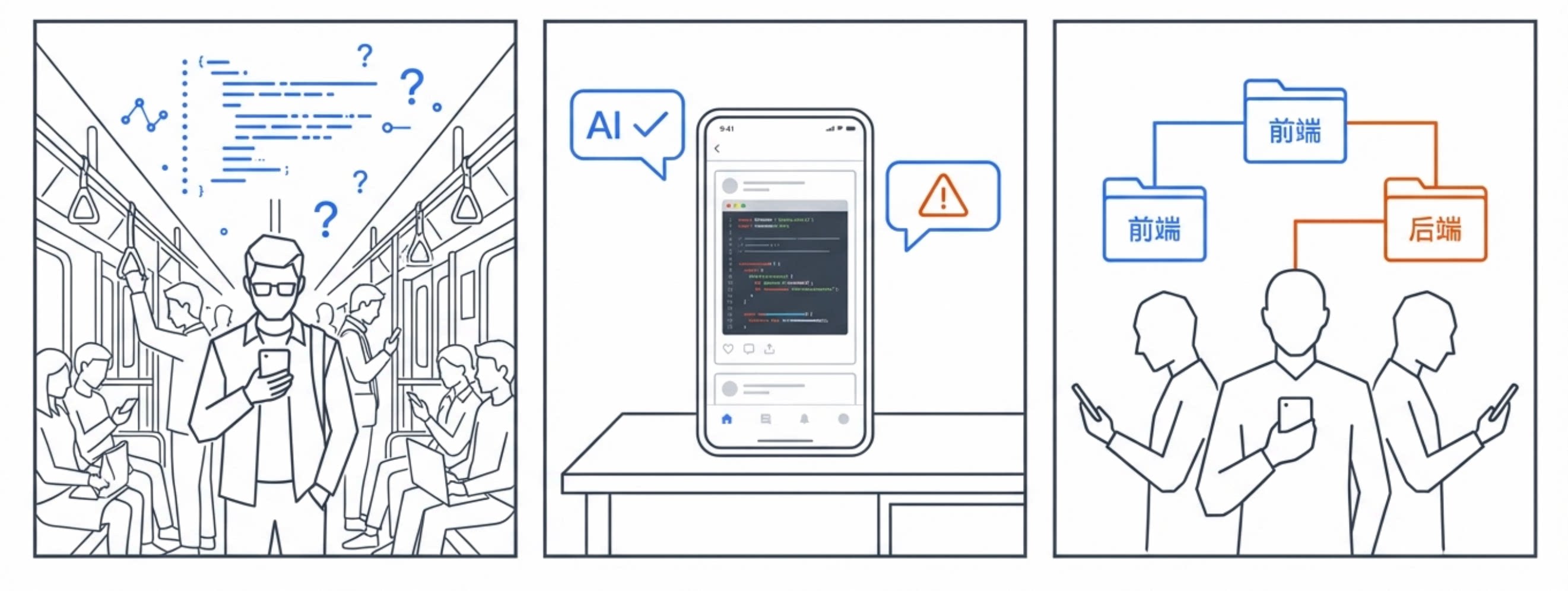
Our vision is to create a group of truly autonomous AI employees in the AI era—omnipotent beings that can completely liberate our productivity, allowing us to enjoy life and create fun in grasslands, mountains, valleys, meadows, and beaches.
In the future, we also plan to support:
- 📱 DingTalk, Feishu, and other enterprise IM platforms
- 🤖 Voice input support, more media format processing
These features are important but may not be our priority. We heavily rely on community co-building. We look forward to your participation!