Quick Start
Video Showcase
From quick start to deep practice, explore all of Qwen Code's capabilities through video demos
Introduction to Qwen Code
Understand Qwen Code's core capabilities in 30 seconds: from installation to conversation, to completing your first task. Your AI coding partner—from idea to implementation in one sentence. This video was generated with one click using Qwen Code + oss-styles Remotion skill.
Install NowUnderstand Qwen Code in 30 seconds
Latest Videos
Recently updated demos
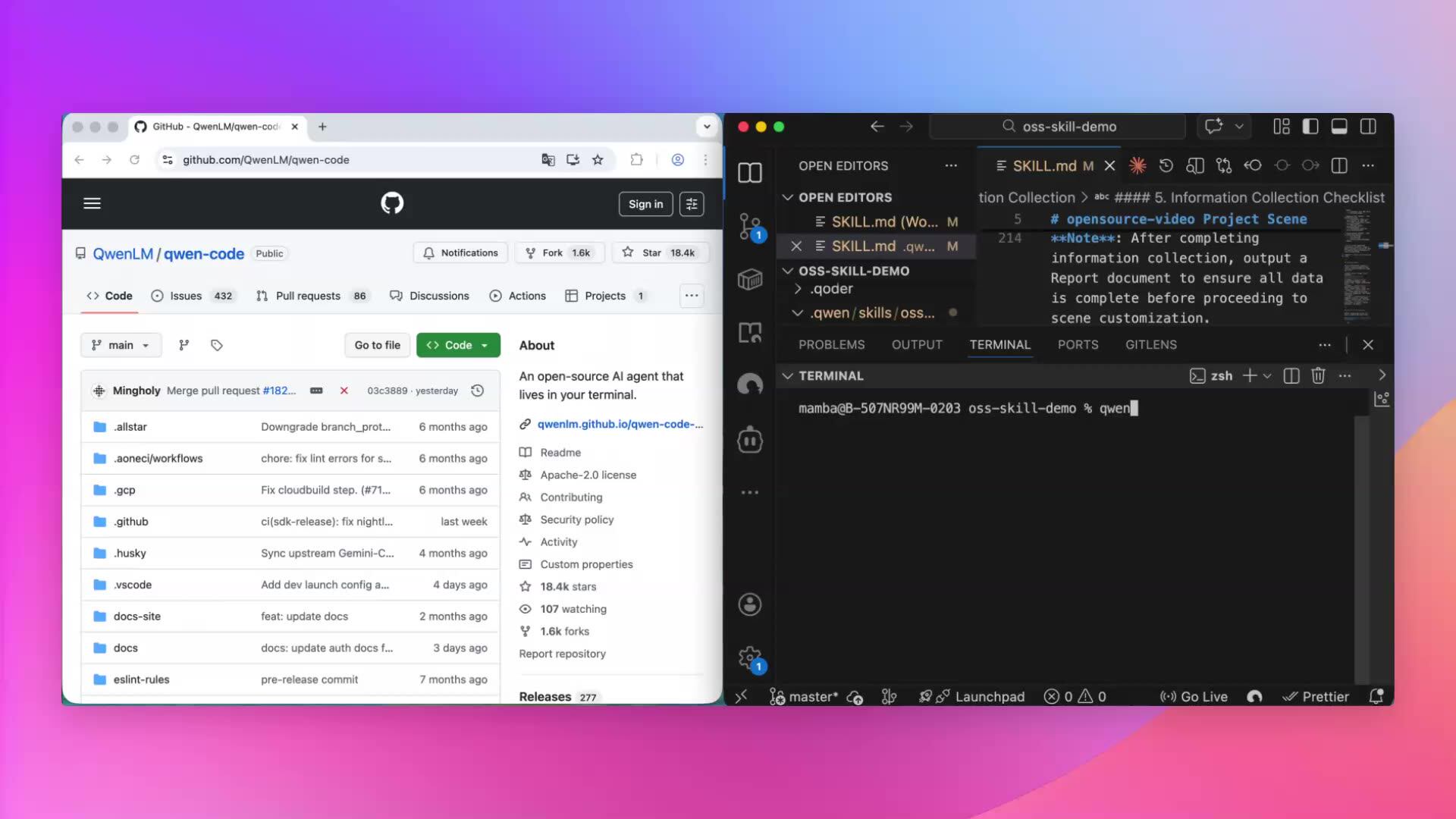
Remotion Video Creation (Web Mode)
Use the web interface with Remotion Skill to visually create and preview videos.
npx skills add nicepkg/agent-skills@remotion-best-practices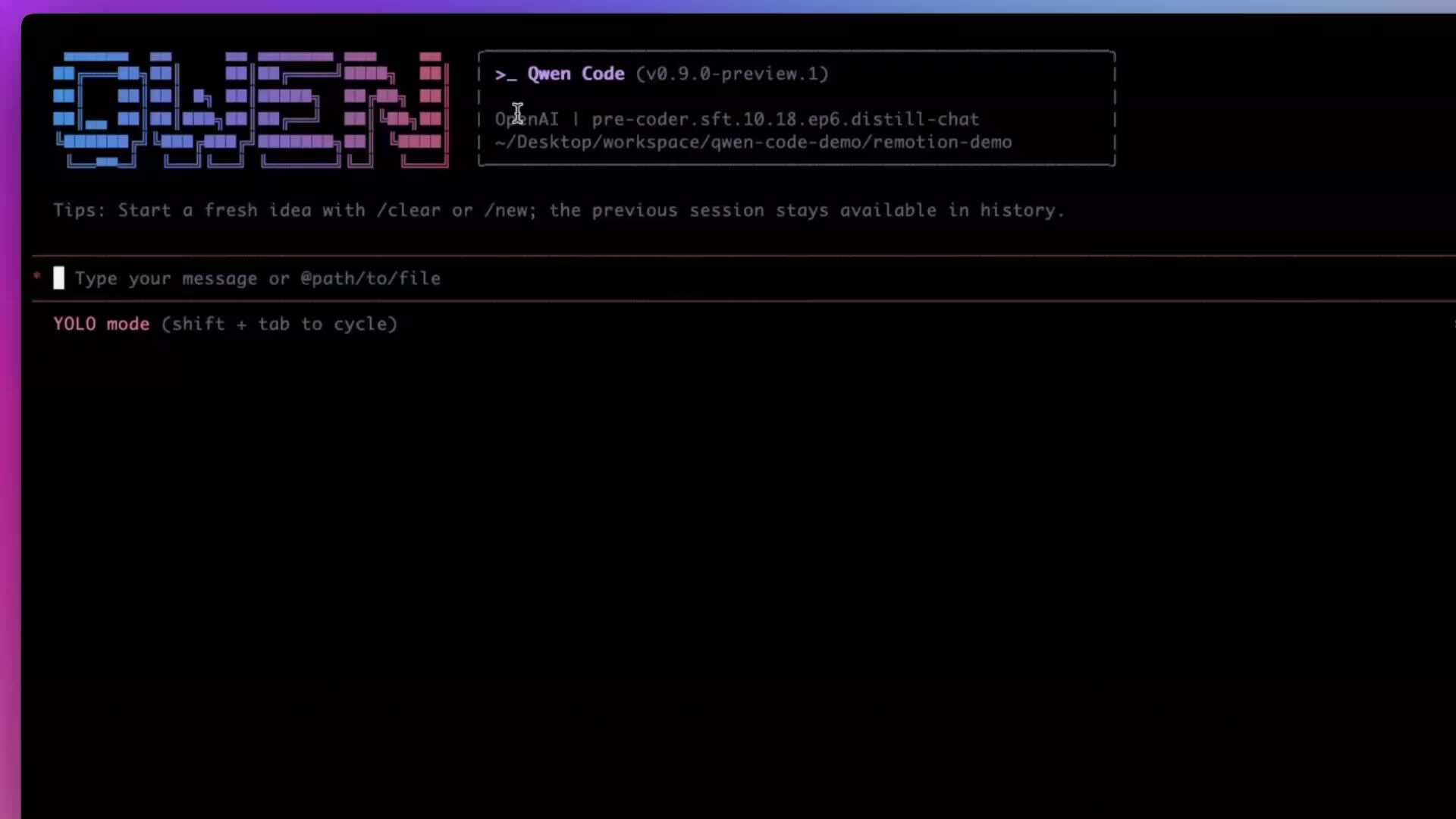
Remotion Video Creation (Prompt Mode)
Use natural language descriptions with the Remotion Skill to drive code-generated video content.
npx skills add nicepkg/agent-skills@remotion-best-practices
Organize Desktop Files
Use one sentence to have Qwen Code automatically organize your desktop files by type into corresponding folders.
Scenario Practice
Find your use cases
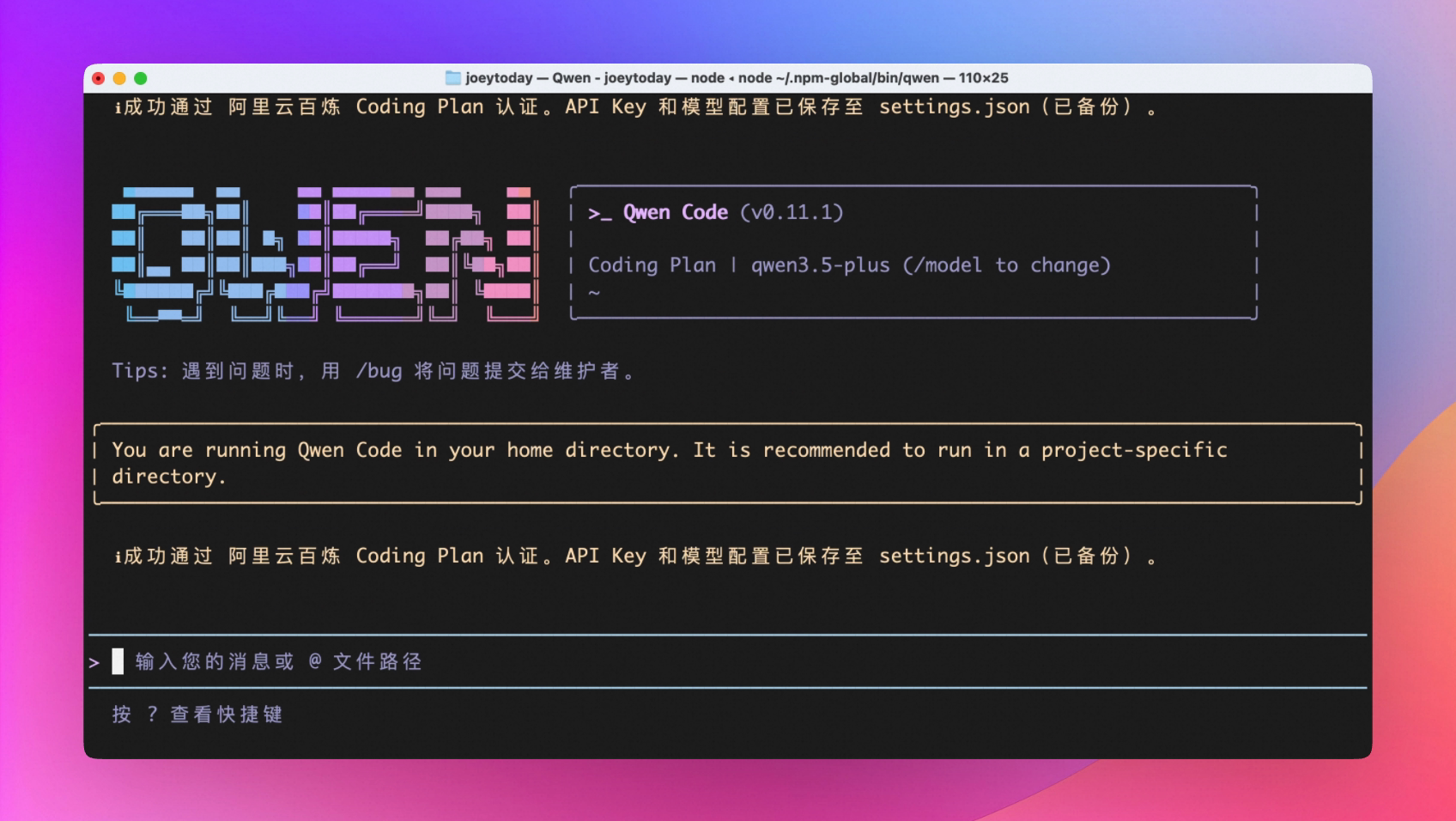
Download and Install, Quick Start
One-line command installation, launch directly.
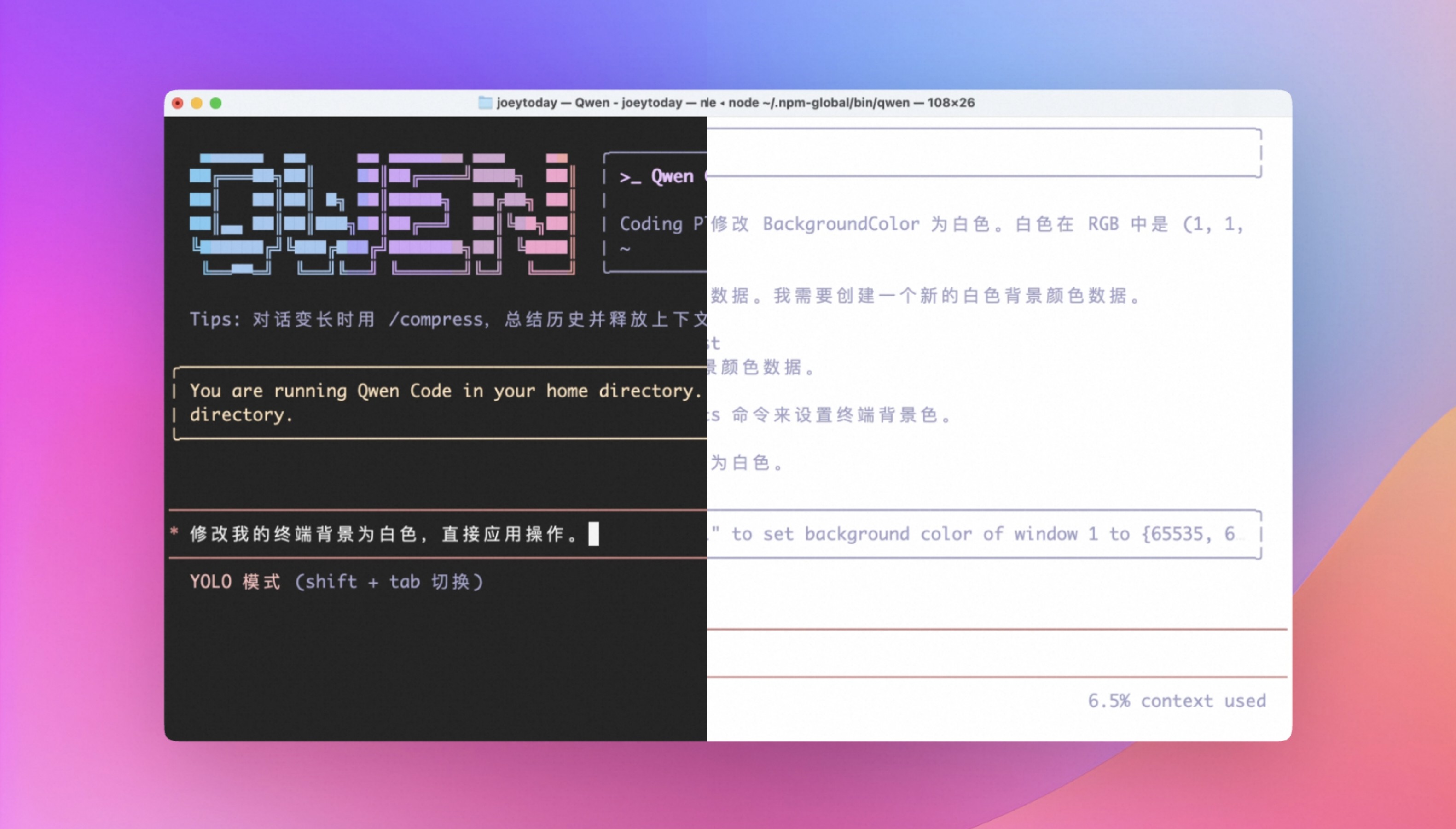
Quick Experience: Terminal Theme Switching
Change terminal theme with one sentence—use natural language to apply any theme style you want.
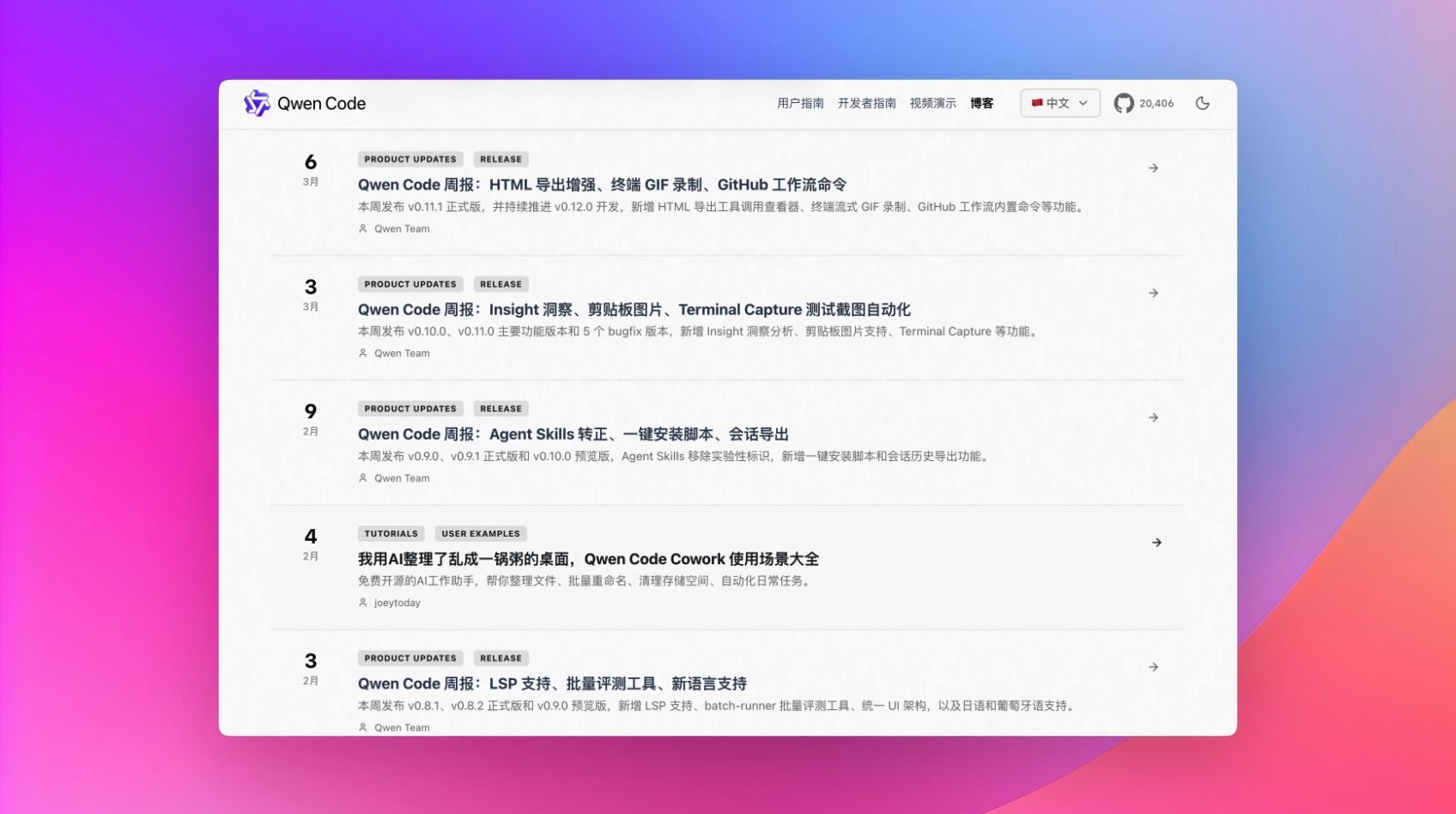
Automatically Generate Weekly Reports
Custom skill—one-line command to automatically fetch this week's updates and write product update weekly reports based on set templates.
Presentation: Make PPT
Create PPT from product demo screenshots—exactly what you're seeing now. Just provide screenshots, enter command, wait, and voila—bling bling done.
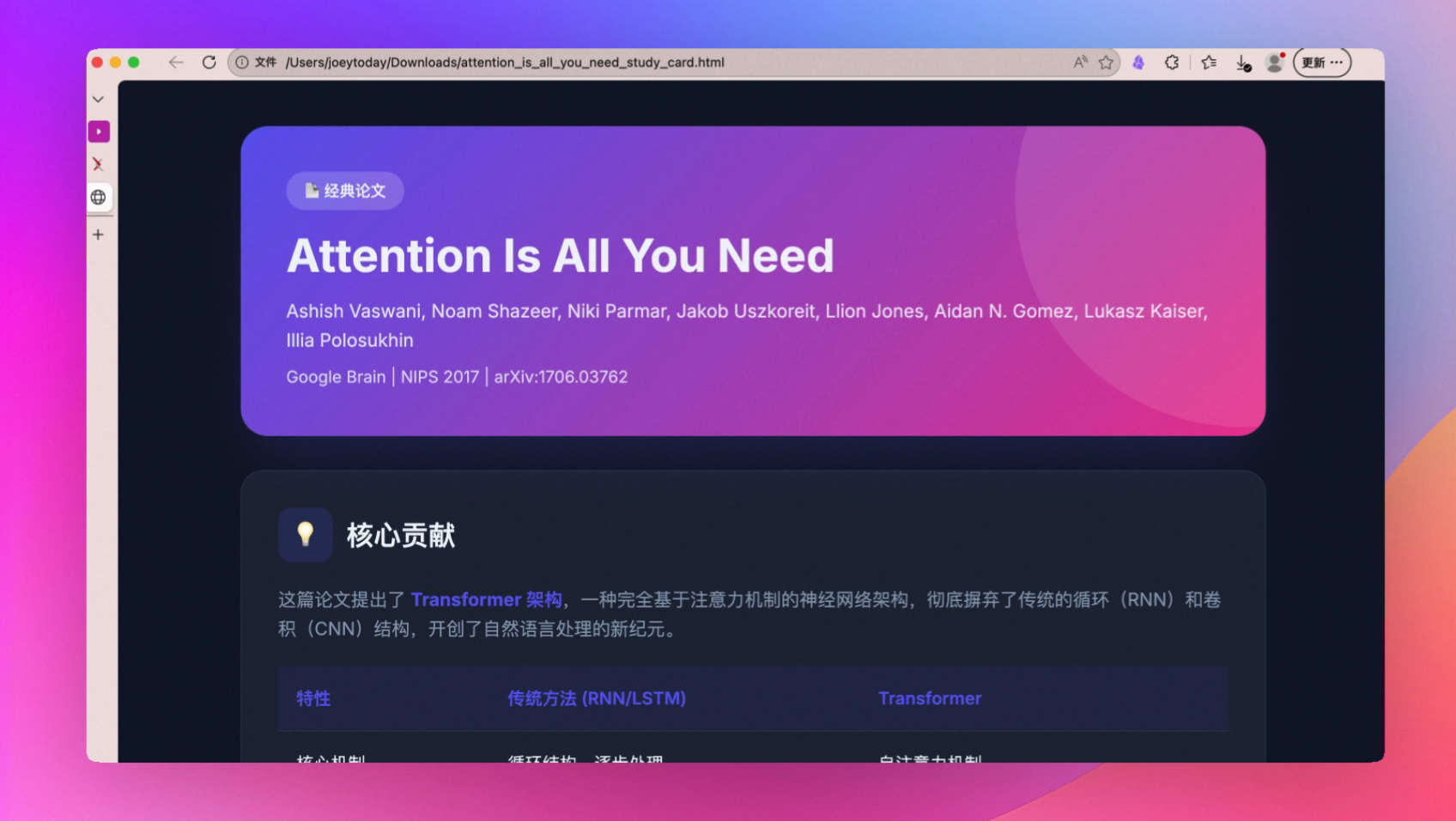
Reading Papers
Directly read and download papers from the web, like this 'attention is all you need' paper. Then you can have AI conversations to learn, and even generate easy-to-understand core question card styles for more intuitive reading comprehension.
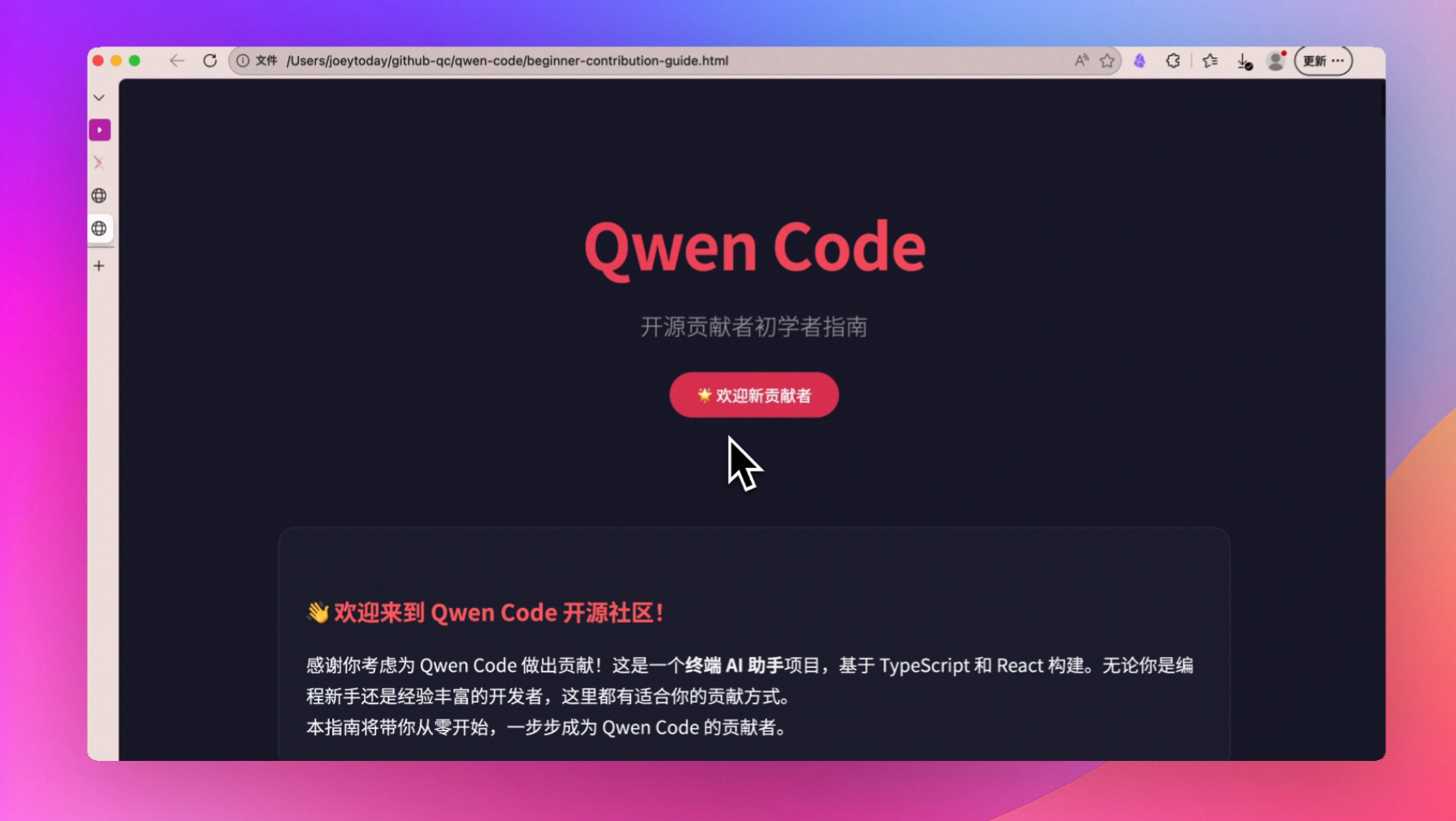
Code Learning
Clone repositories directly to learn and understand—let Qwen Code tell you how to contribute to open source projects, step-by-step operations, full process tracking.
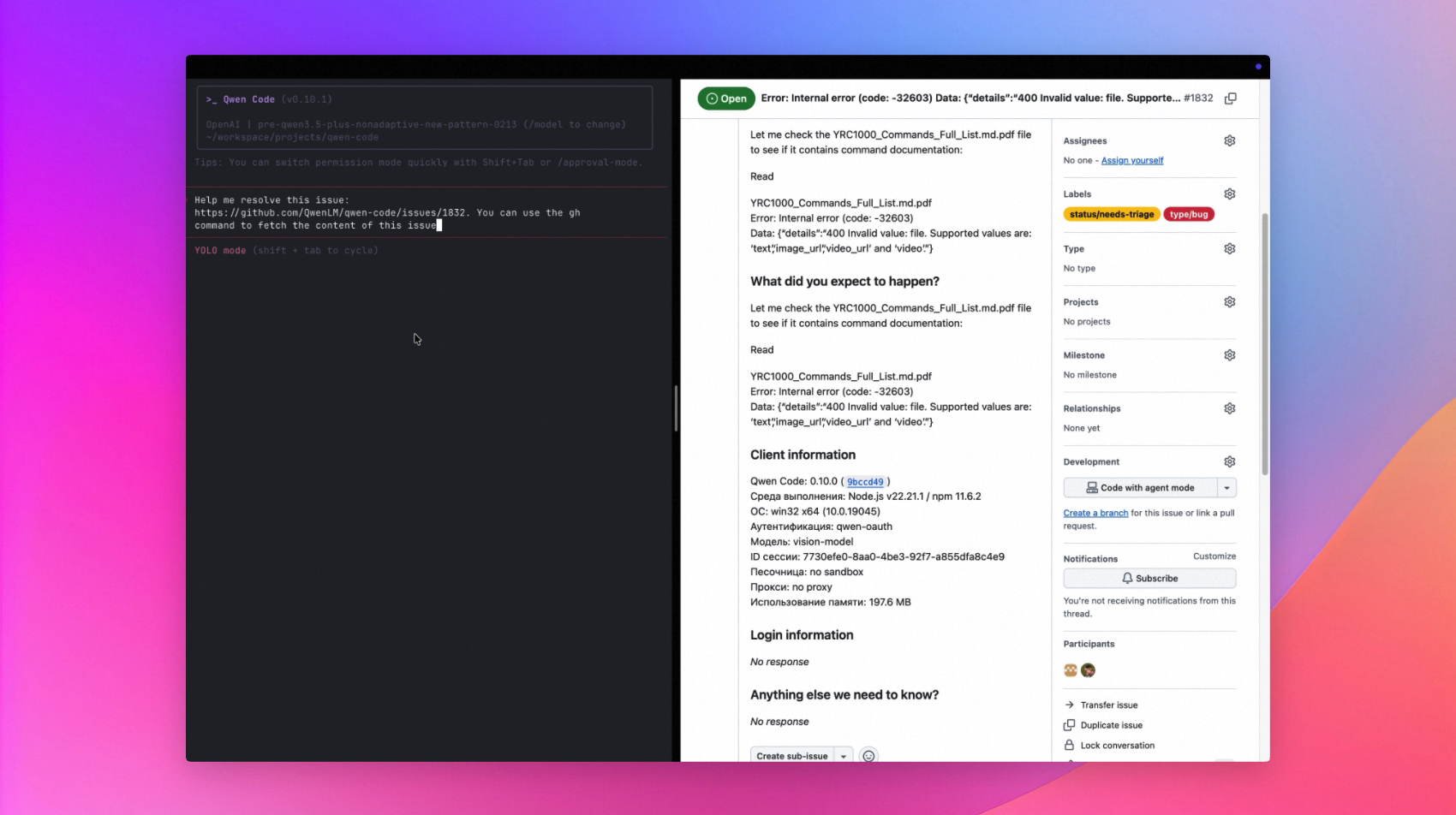
Resolve Issues
Based on the above plan, you can start solving issues for open source projects—this can also be done with Qwen Code, and you can even simulate terminal screenshot uploads.
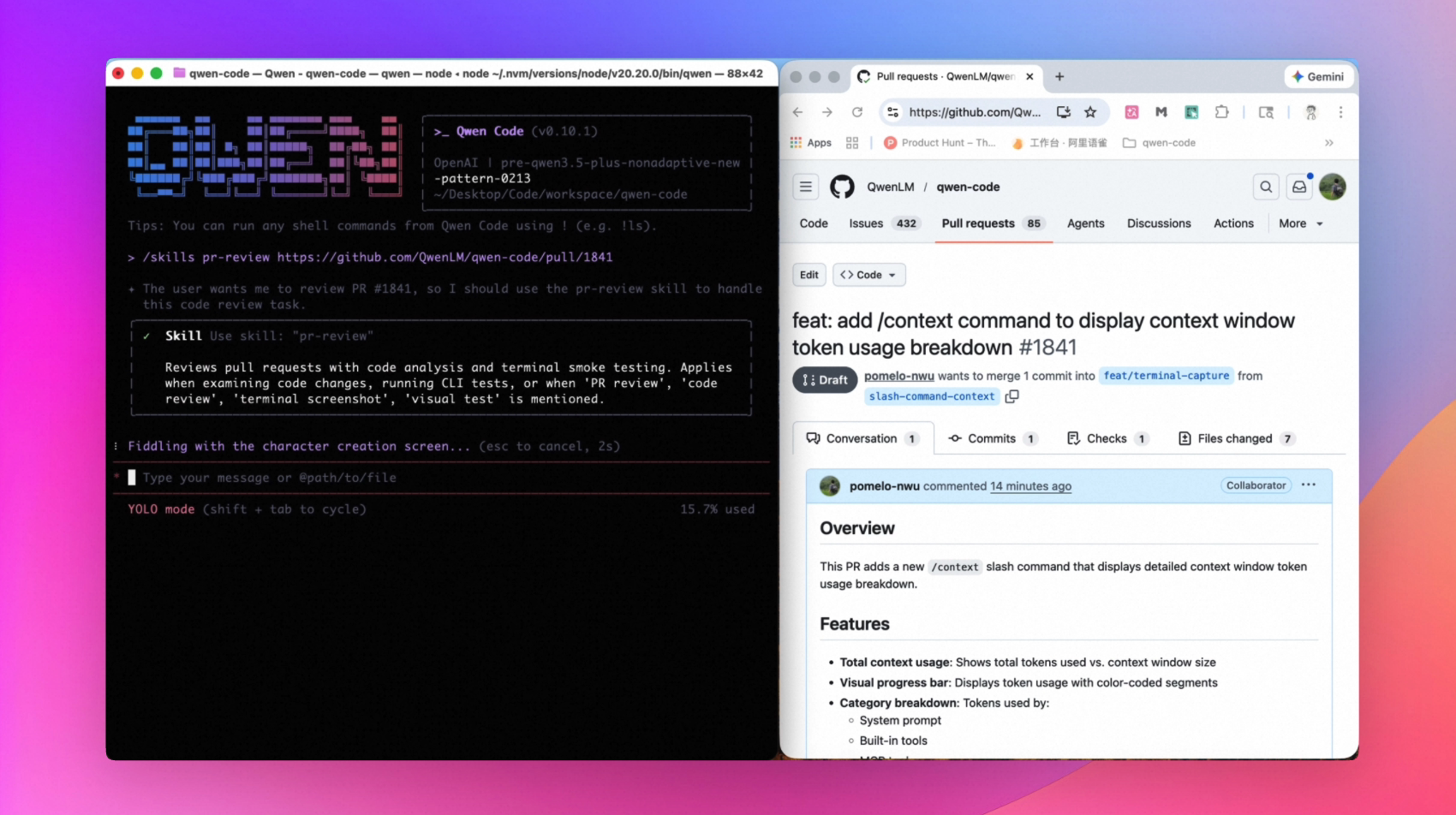
PR Review
After solving an issue and automatically submitting a PR, you can also use Qwen Code directly for PR testing and review. If it's your project and someone submits a PR, you can also have Qwen Code review it. Greatly improve project iteration efficiency.
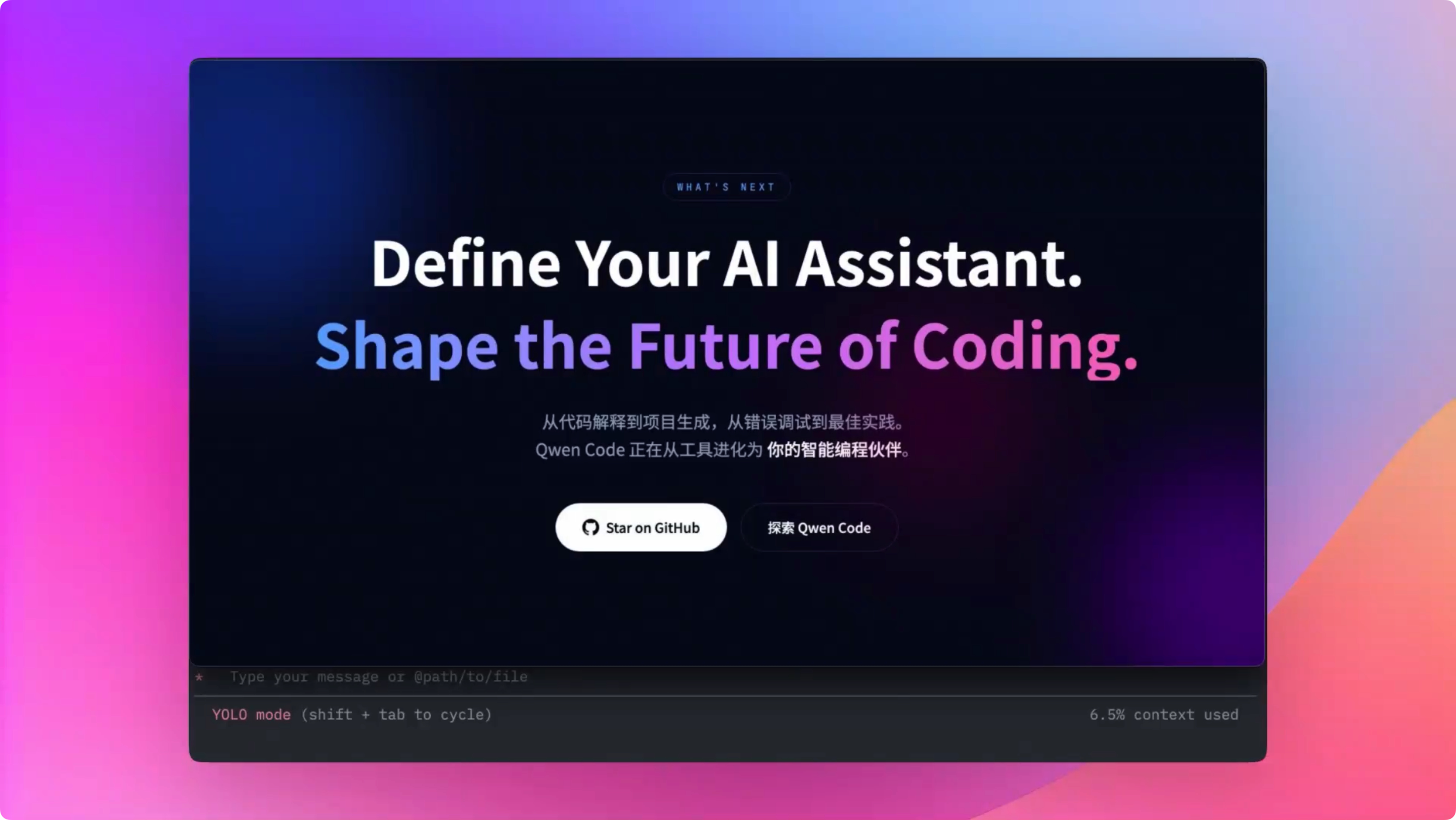
Make a Promo Video for Your Open Source Project
After contributing to open source or having your own open source project, you can directly provide the repository URL to make a demo video for the project.
based on this skill:https://github.com/QwenLM/qwen-code-examples/blob/main/skill…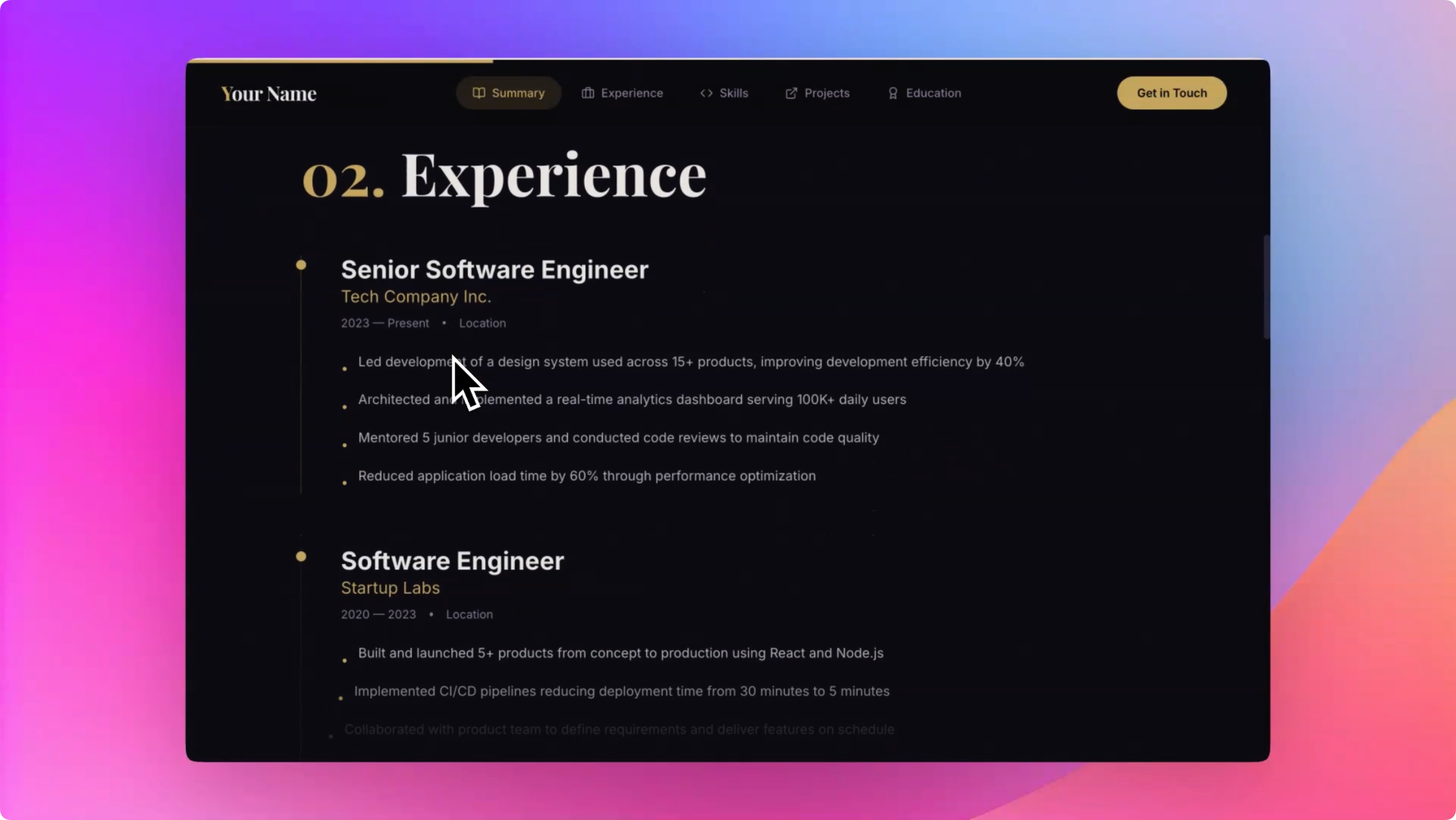
Create a Personal Resume with One Sentence
You can integrate all your experiences into your resume, then have Qwen Code create a showcase page based on your resume, and even directly print/export to PDF for easy submission.
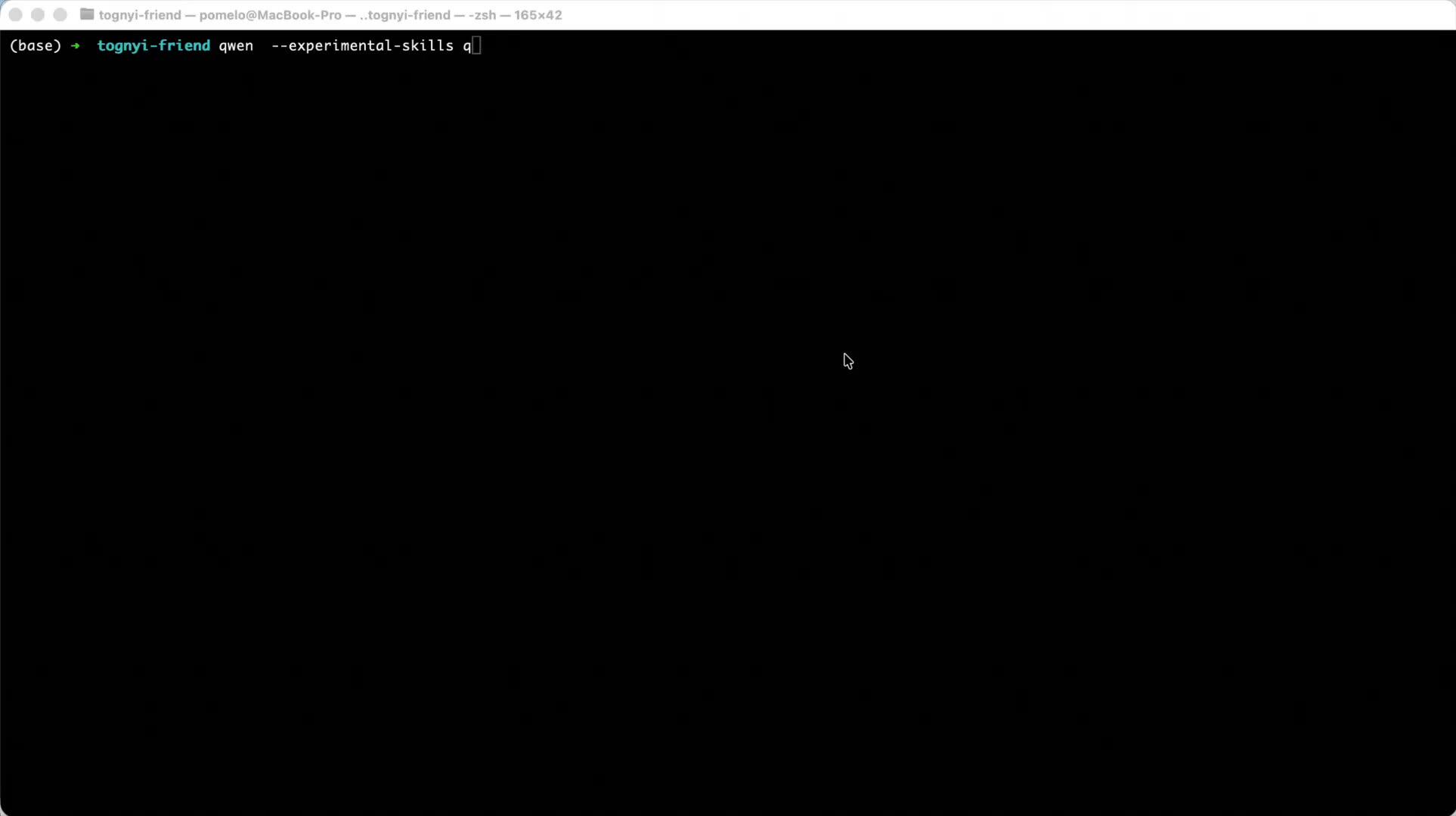
Convert YouTube Video to Blog Post
Learn how to use Qwen Code and SOP skills to convert YouTube videos into blog posts.

Replicate Your Favorite Website with One Sentence
Give a screenshot to Qwen Code and tell it which website you want to replicate—it will analyze the page structure and generate code.
View Tutorial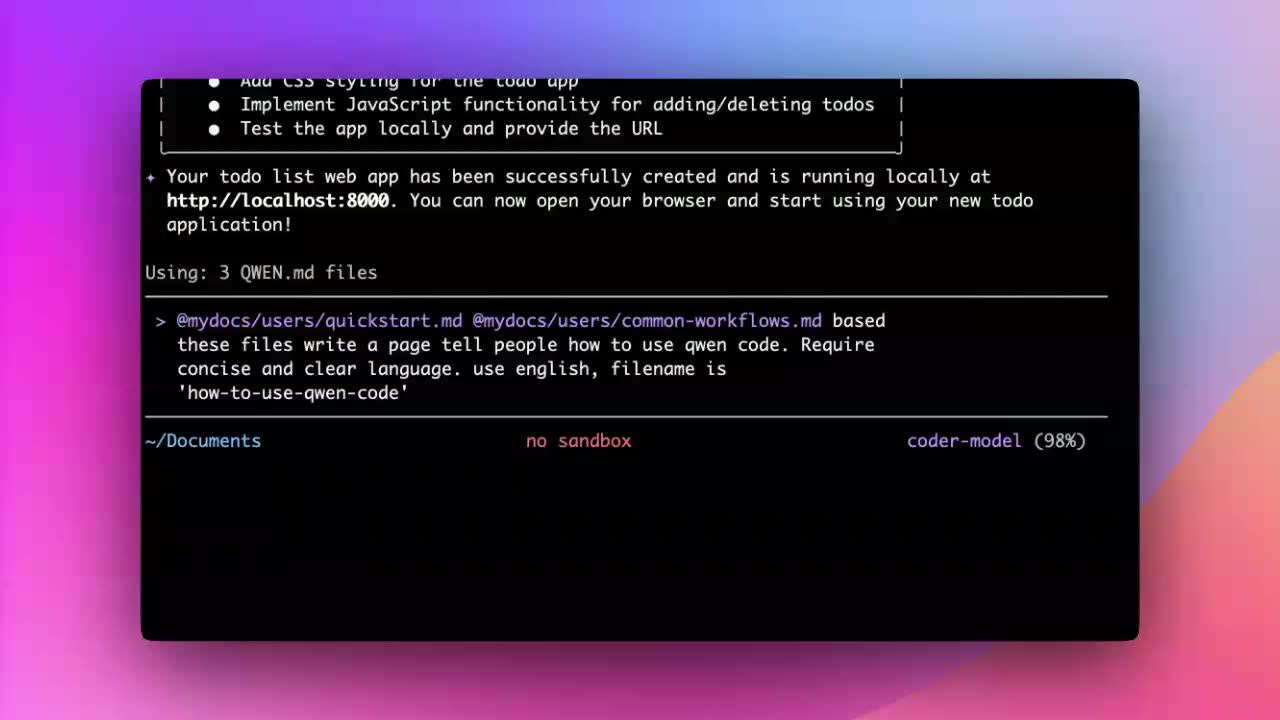
Write to File with One Sentence
Tell Qwen Code what content to write—it will directly create and write files for you, eliminating manual operations.
Organize Desktop Files
Use one sentence to have Qwen Code automatically organize your desktop files by type into corresponding folders.
Remotion Video Creation (Prompt Mode)
Use natural language descriptions with the Remotion Skill to drive code-generated video content.
npx skills add nicepkg/agent-skills@remotion-best-practicesRemotion Video Creation (Web Mode)
Use the web interface with Remotion Skill to visually create and preview videos.
npx skills add nicepkg/agent-skills@remotion-best-practicesMore scenarios coming soon, welcome to submit your use cases
Submit Your Showcase on GitHub